
SINGLE + BATCH
A single image or a full folder.
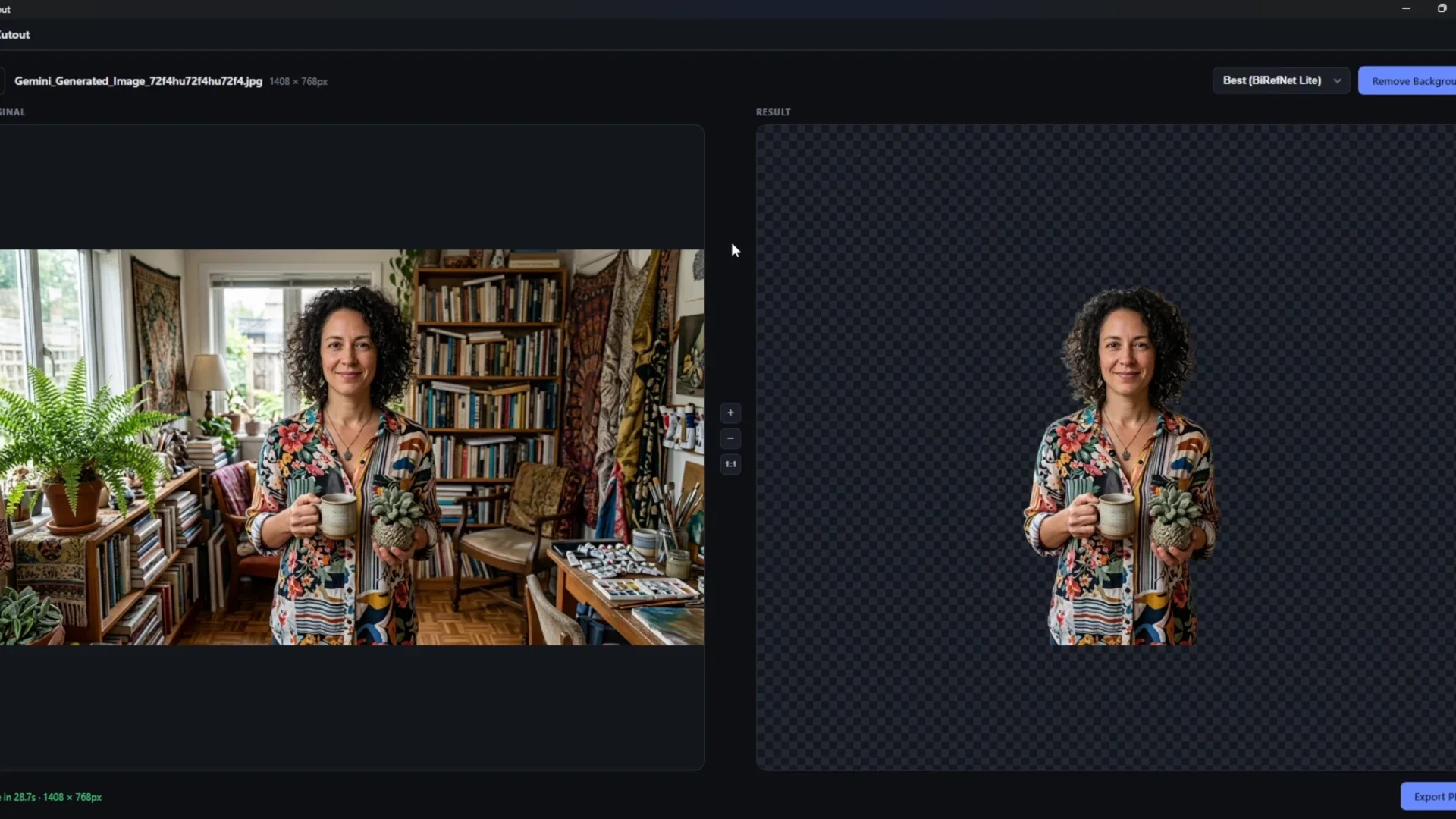
Drag in a file, browse, or paste an image. In batch mode, select multiple images or a folder, including its subfolders. Process the selection and export everything together.
Thoughtfully simple
Remove the background. Refine the result. Export it your way.
A focused workflow, with your images always on your computer.
SINGLE + BATCH
Drag in a file, browse, or paste an image. In batch mode, select multiple images or a folder, including its subfolders. Process the selection and export everything together.
EDGE REFINEMENT
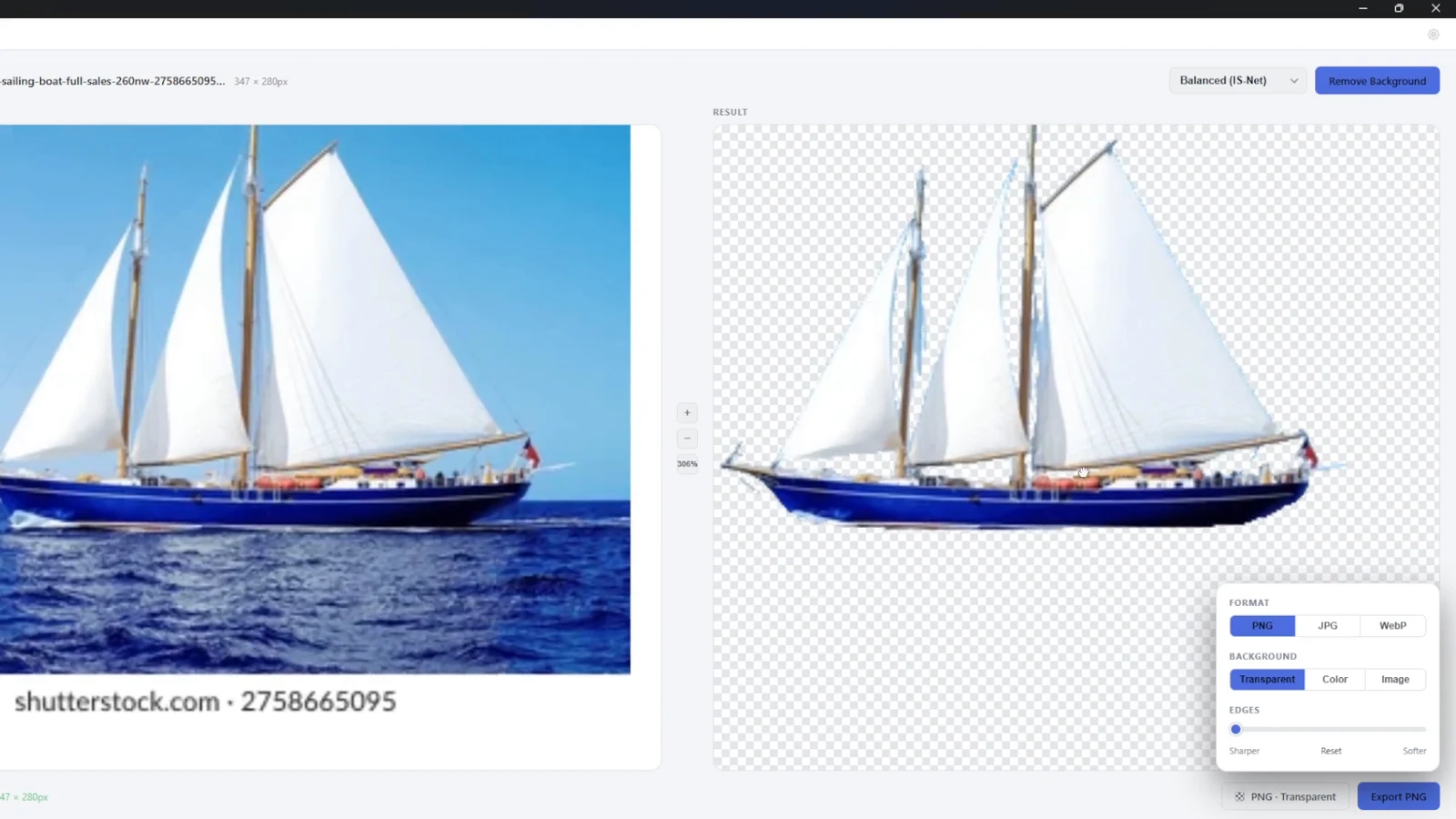
Make cutout edges sharper or softer with the Edges slider. A live preview helps you see your adjustments before saving.
BACKGROUND OPTIONS
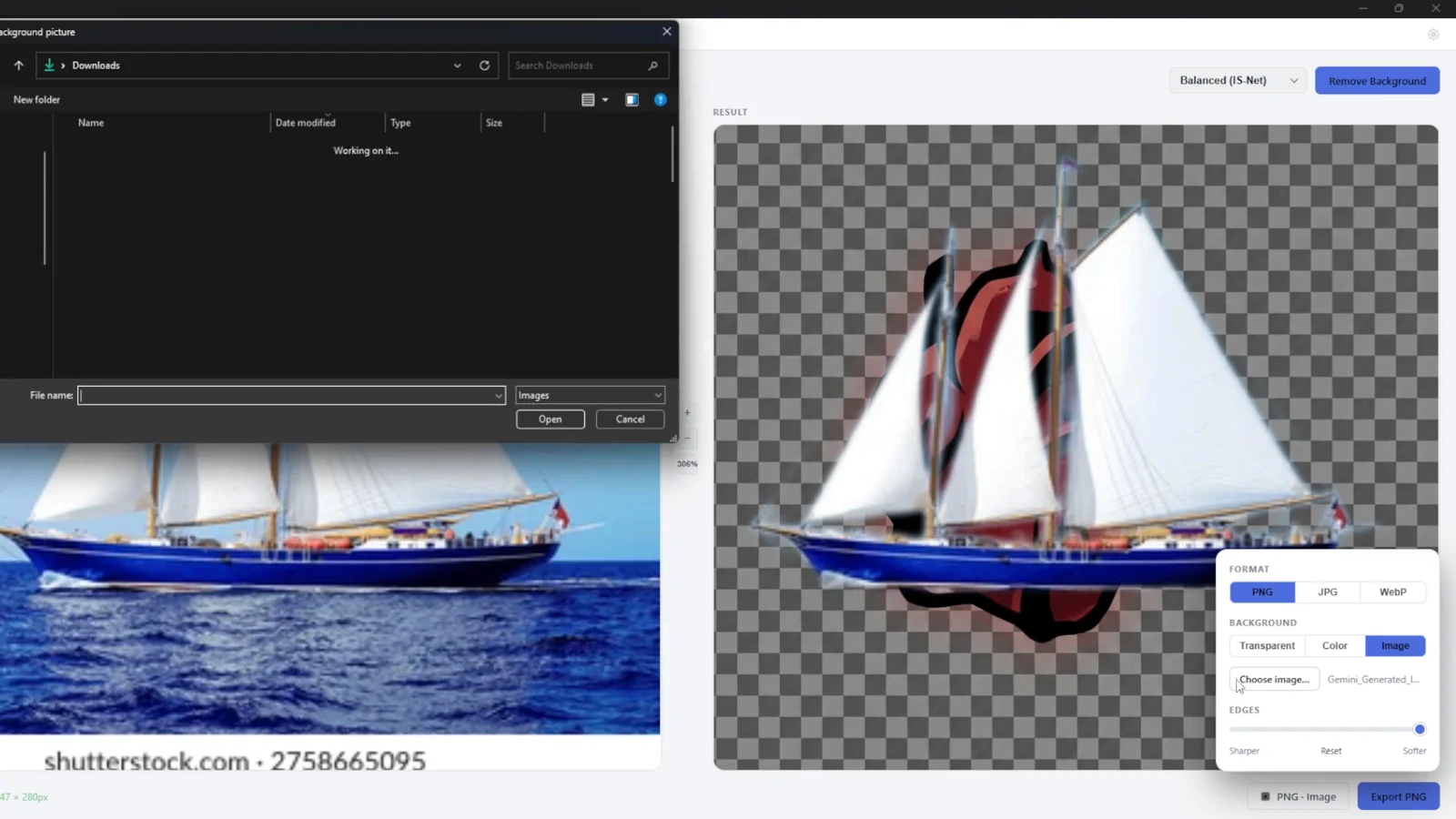
Export on transparency, put a color behind the subject using the color wheel or a hex value, or choose a picture as the background. Background options work for batches, too.
FLEXIBLE EXPORTS
Export PNG, JPG, or WebP at the original dimensions. Choose PNG for transparency. JPG uses a background because the format cannot store transparency.
ZOOM + PAN
Zoom and pan the original and processed previews together. Reset the view when you’re done inspecting fine details.
EVERYDAY DETAILS
Choose Dark, Light, or System appearance. CutOut remembers its window size and position. Cancel processing at any time, including with Esc.
What’s behind the cut
Different images ask for different approaches. All four models are bundled in CutOut; switch between them without downloading anything extra.
U²-Net-P
The lightest option, using a 320 × 320 model input. Start here when turnaround matters more than fine edges.
Apache-2.0IS-Net general use
A general-purpose model with a 1024 × 1024 input. A useful balance for everyday image work.
Apache-2.0BiRefNet Lite
Uses a 1024 × 1024 input, with a focus on fine detail such as hair. Requires more processing time than the lighter options.
MITBiRefNet · fp16
The full BiRefNet model in fp16, with a 1024 × 1024 input. The repository describes this as its slowest, highest-quality option.
MITThese are model choices, not measured quality scores. Results and runtime depend on the image and computer. Internal model input sizes do not limit the exported image dimensions. The repository recommends 8 GB RAM or more, and the Best models can briefly use several GB.
Model licenses and creditsA little less friction
AI processing happens locally. Open an image and get to work, even without an internet connection.
No uploading to a server. No account to create. Your photos stay on the device you choose.
No subscriptions or paywalls. The code is open source under the MIT license.
Make a quick cutout, process a selection, or work through a folder and its subfolders in one batch.
Make room for the subject
Get CutOut. Keep your images local.
Let your ideas go a little further.
v0.1.1
Windows 10 / 11 · 64-bit · AVX2 CPU required. 8 GB RAM recommended. The installer is not code-signed.