
Right here. On your computer.
AI processing happens locally. Open an image and get to work, even without an internet connection.
Powerful AI background removal, right on your computer.
Free, open-source, and designed to keep your images private.
Free for Windows, macOS & Linux
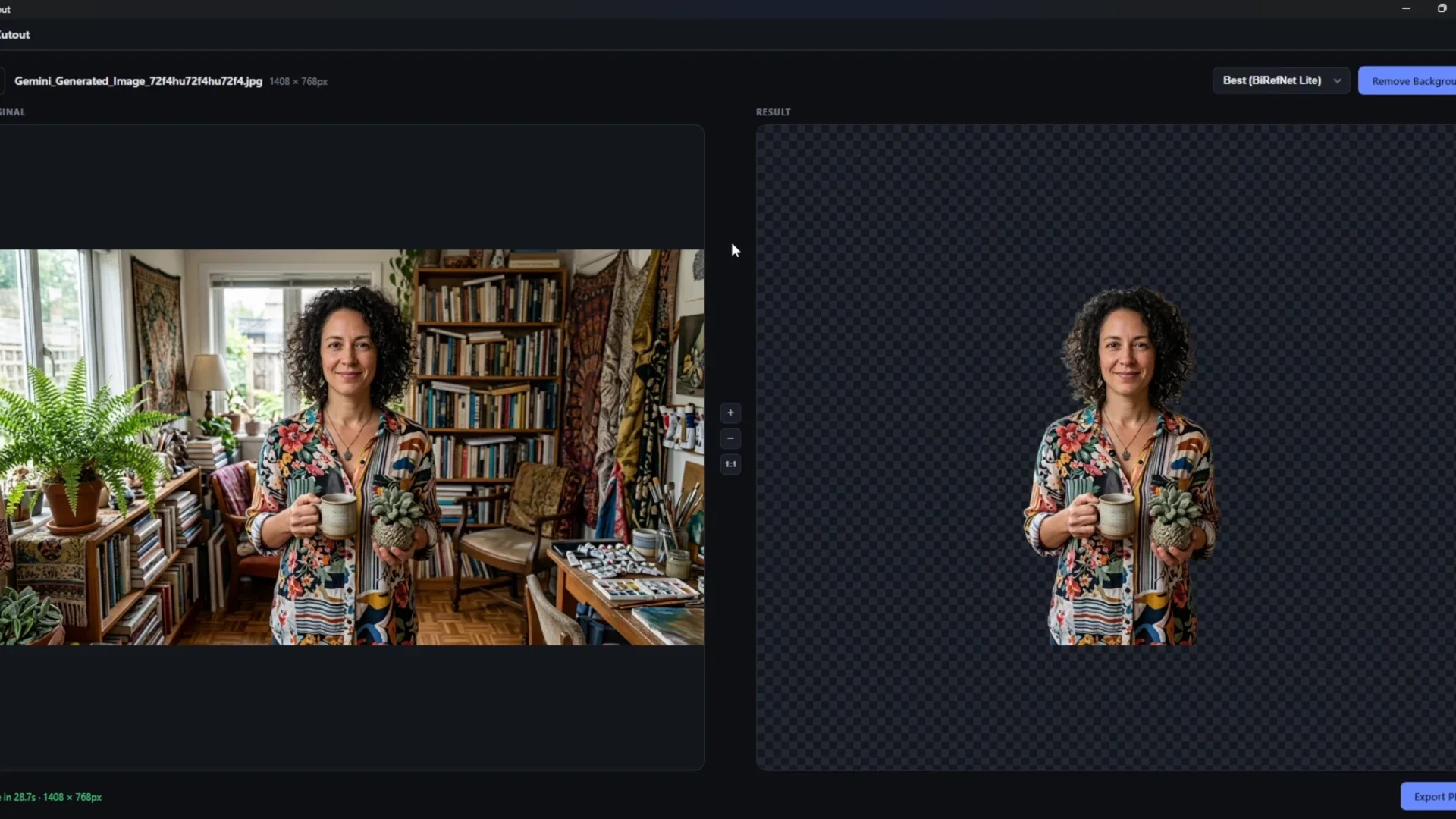
Your photos never leave your computer.
No upload. No subscription. No compromises on resolution.Less background. More subject.
A face. A few curls. The things that make an image yours. Choose a model, remove the background, and make room for what comes next.
This is a genuine result from CutOut’s official demo, using a generated portrait sample. Both views are matching crops of the recording.
See it in the original demo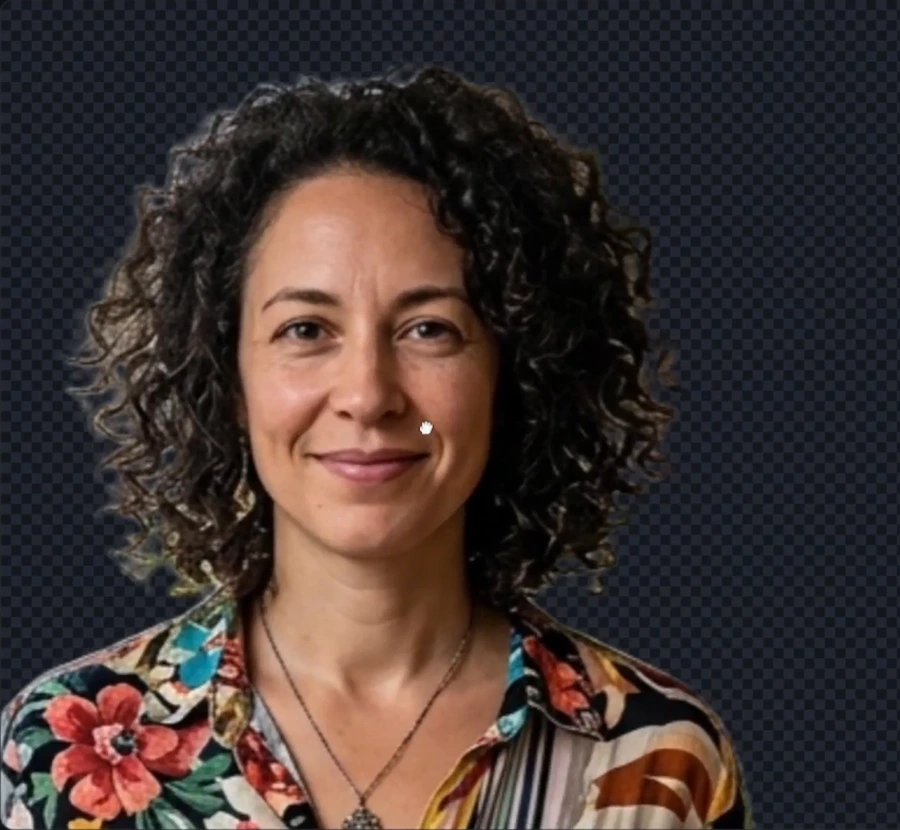

A little less friction
AI processing happens locally. Open an image and get to work, even without an internet connection.
No uploading to a server. No account to create. Your photos stay on the device you choose.
No subscriptions or paywalls. The code is open source under the MIT license.
Make a quick cutout, process a selection, or work through a folder and its subfolders in one batch.
A small tool. A thoughtful workflow.
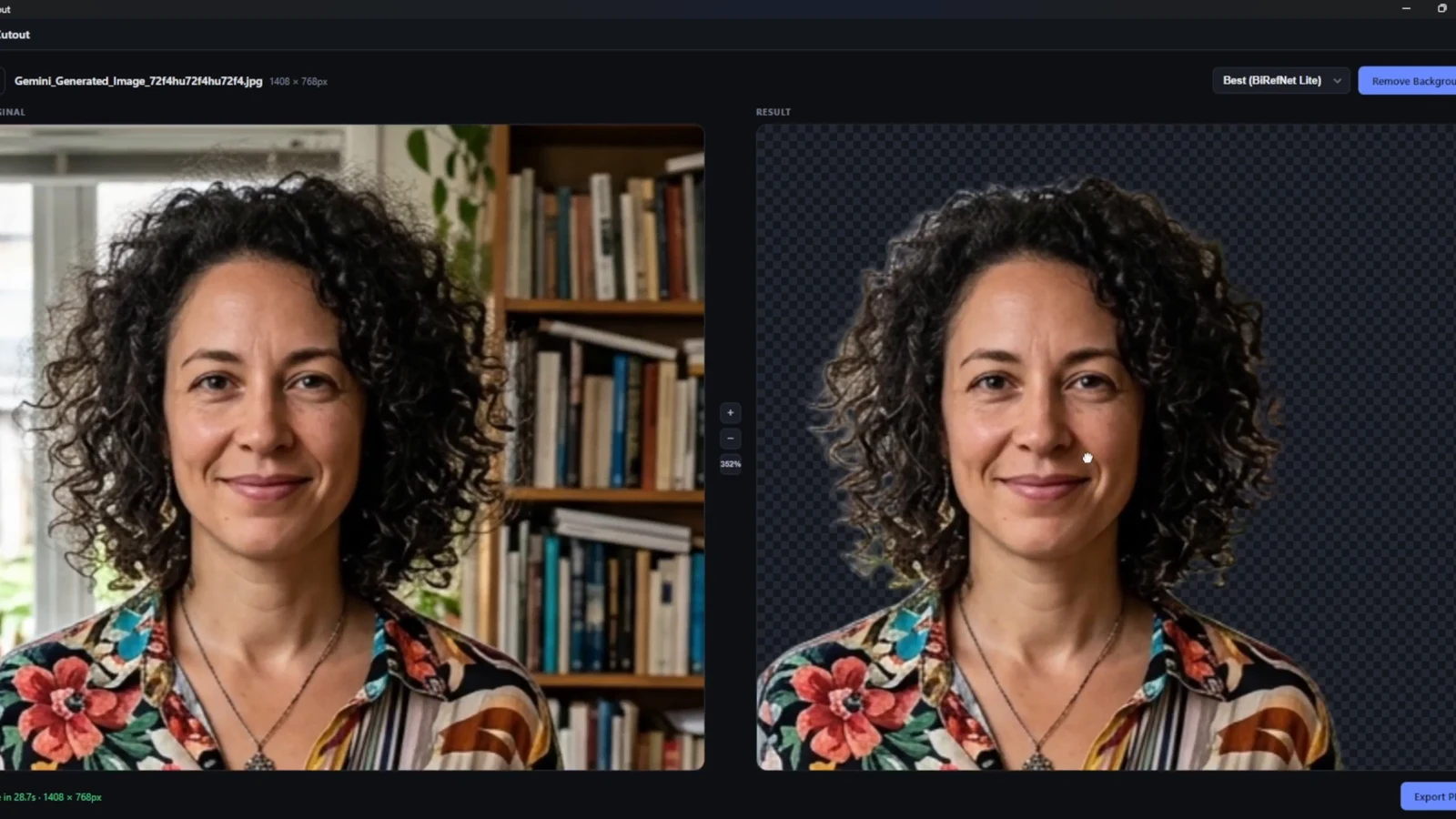
Adjust the Edges slider and see the result in a live preview. Zoom and pan to take a closer look.
Keep it transparent, choose a solid color, or add a picture behind your subject. Export as PNG, JPG, or WebP at the original dimensions.
Four models. Your call.
Quick checks or the final export.
Choose the right starting point for your image.
U²-Net-P
Simple subjects. Quick checks.
IS-Net general use
An everyday starting point.
BiRefNet Lite
Give the little details attention.
BiRefNet · fp16
Take your time with the final cut.
All four models are included. Processing time and results vary by image and hardware.
Meet the modelsMade to be open
CutOut is free and open-source. Look under the hood, report a bug, or make it better for everyone.
Find us on GitHubMake room for the subject
Get CutOut. Keep your images local.
Let your ideas go a little further.
v0.1.1
Windows 10 / 11 · 64-bit · AVX2 CPU required. 8 GB RAM recommended. The installer is not code-signed.